









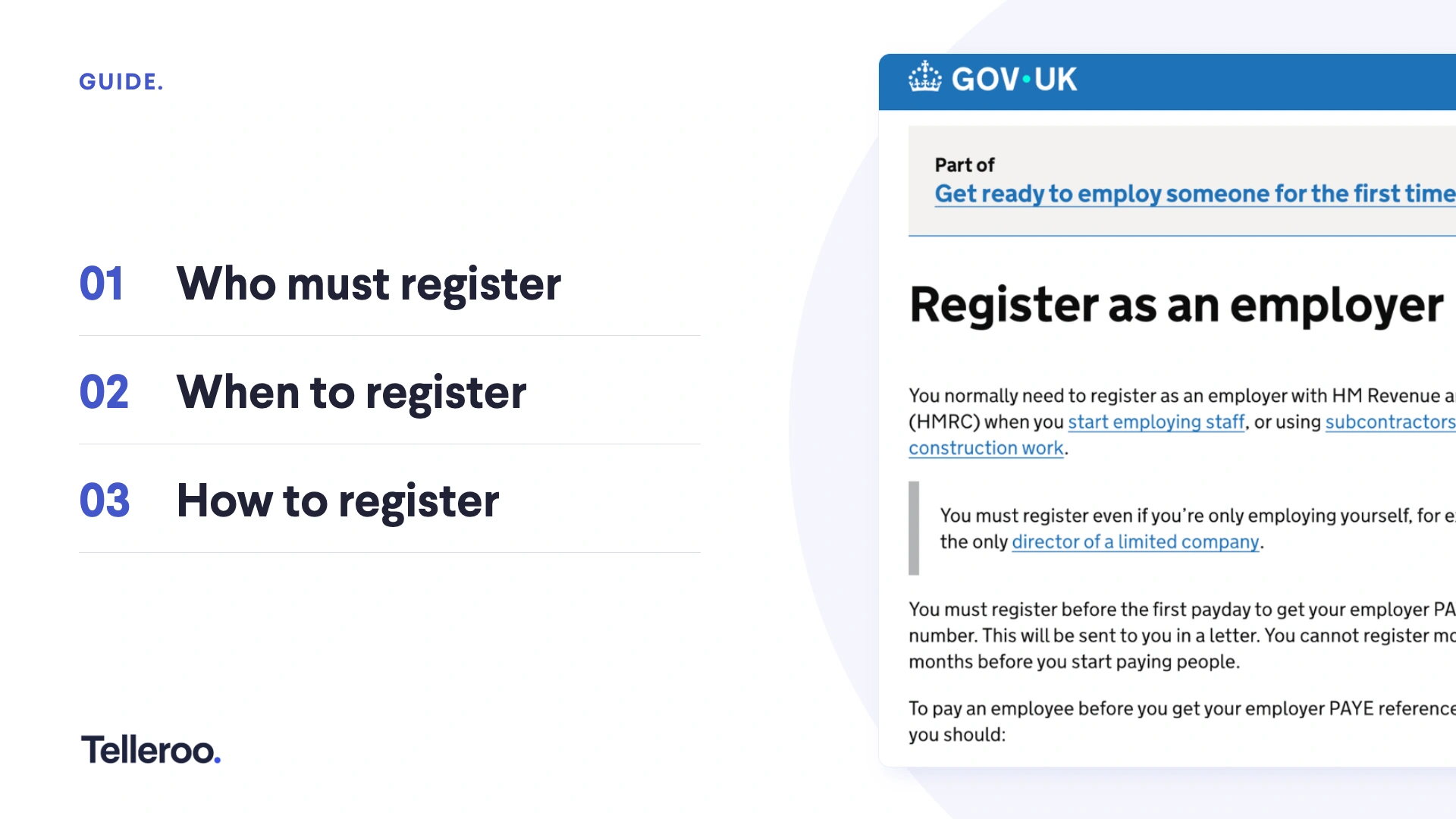
Taking on staff is a great sign your business is growing. But with new team members comes new responsibilities managing tax and National Insurance correctly. That's where PAYE comes in. If you're hiring or planning to, understanding how to register for PAYE is one of the first steps to getting payroll right from day one.
This guide breaks down everything you need to know, from what PAYE is to a clear, step-by-step process for registering with HMRC.
What is PAYE and why does it matter?
PAYE stands for Pay As You Earn. It's the way HMRC collects Income Tax and National Insurance contributions (NICs) directly from your employees' wages. As an employer, you deduct these amounts before paying your staff, then send them to HMRC on their behalf.
PAYE matters because it keeps your business compliant. Getting it right means:
- Avoiding penalties: Missing the deadlines to report your payroll information and pay HMRC can lead to fines.
- Staying audit-ready: Proper records protect your business if HMRC ever reviews your accounts.
In short, PAYE isn't just admin. It's a core part of running a responsible, scalable business.
When does your business need to register for PAYE?
Not every business needs to register straight away. You must register for PAYE if any of your employees meet one or more of the following conditions (as per April 2026 tax year):
- They earn £96 or more per week.
- They already receive a pension or have had another job.
- They receive expenses or benefits, such as a company car.
- They have received Government benefits (Employment and Support Allowance, Jobseeker’s Allowance, Incapacity Benefit).
Here's a key point many new employers miss: you count as an employee too. If you're a director paying yourself a salary, you'll likely need to register.
You must register before your first payday. HMRC allows you to register for PAYE up to two months before your first payday as an employer. It's best to register early, HMRC sends important documents through the post.
How to register for PAYE as an employer
Registering is more straightforward than many business owners expect. Here's how to register for PAYE as an employer through HMRC.
Step 1: Register online via the HMRC website
You can register for PAYE here on the UK Gov website. You'll need your company's Government Gateway user ID and password. If you don't have one, you can create it during the registration process by clicking ‘Don’t have a Government Gateway account’.
Step 2: Wait for your employer PAYE reference
After you've registered online, HMRC posts a letter to your company address, which should arrive within 10 working days.
This letter contains an:
- Activation code: For you to complete online setup of the PAYE service in your company's Government Gateway account. This code is only valid for 28 days. If you do not use the code before it expires, you will need to re-register for PAYE.
- Employer PAYE reference number: This is what HMRC and payroll software use to identify your specific company.
- Accounts office reference: This is for you to include when making payments to HMRC.
Step 3: Set up payroll ahead of payday
With your references in hand, you can set up payroll software to help you calculate payroll and report your payroll information to HMRC. This is where automation becomes invaluable, helping you avoid manual errors and stay on top of deadlines.
To find the right payroll software for your company, check out 👉 The Best Payroll Software for 2026.
Step 4: Pay your employees and HMRC
Once you’ve calculated how much to pay your staff and HMRC, it’s time to send the payments. Manually typing payments into the bank is where many companies start, but managing it consistently is the real challenge, especially as your team expands. The more employees you take on, the more pay runs, deductions, and payments you'll juggle each month.
This is where using a payroll payments software like Telleroo pays off. By automating how payments are processed and reported, you can:
- Reduce costly human errors by automatically creating payments synced from your payroll software
- Save time on every pay run as you no longer need to copy and paste
- Protect your business with secure, monitored transactions and bank account checks
- Grow confidently as you need to pay more team members
Getting PAYE right from the start sets a strong foundation. With reliable systems in place, you can focus less on admin and more on growing your business.
👉 How Telleroo can help you pay teams and HMRC quickly and easily.


.webp)


'%3e%3cg id='Final-Copy-2_2_' transform='translate(1275.000000, 200.000000)'%3e%3cpath class='st0' d='M7.4,12.8h6.8l3.1-11.6H7.4C4.2,1.2,1.6,3.8,1.6,7S4.2,12.8,7.4,12.8z'/%3e%3c/g%3e%3c/g%3e%3c/g%3e%3cg id='final---dec.11-2020'%3e%3cg id='_x30_208-our-toggle' transform='translate(-1275.000000, -200.000000)'%3e%3cg id='Final-Copy-2' transform='translate(1275.000000, 200.000000)'%3e%3cpath class='st1' d='M22.6,0H7.4c-3.9,0-7,3.1-7,7s3.1,7,7,7h15.2c3.9,0,7-3.1,7-7S26.4,0,22.6,0z M1.6,7c0-3.2,2.6-5.8,5.8-5.8 h9.9l-3.1,11.6H7.4C4.2,12.8,1.6,10.2,1.6,7z'/%3e%3cpath id='x' class='st2' d='M24.6,4c0.2,0.2,0.2,0.6,0,0.8l0,0L22.5,7l2.2,2.2c0.2,0.2,0.2,0.6,0,0.8c-0.2,0.2-0.6,0.2-0.8,0 l0,0l-2.2-2.2L19.5,10c-0.2,0.2-0.6,0.2-0.8,0c-0.2-0.2-0.2-0.6,0-0.8l0,0L20.8,7l-2.2-2.2c-0.2-0.2-0.2-0.6,0-0.8 c0.2-0.2,0.6-0.2,0.8,0l0,0l2.2,2.2L23.8,4C24,3.8,24.4,3.8,24.6,4z'/%3e%3cpath id='y' class='st3' d='M12.7,4.1c0.2,0.2,0.3,0.6,0.1,0.8l0,0L8.6,9.8C8.5,9.9,8.4,10,8.3,10c-0.2,0.1-0.5,0.1-0.7-0.1l0,0 L5.4,7.7c-0.2-0.2-0.2-0.6,0-0.8c0.2-0.2,0.6-0.2,0.8,0l0,0L8,8.6l3.8-4.5C12,3.9,12.4,3.9,12.7,4.1z'/%3e%3c/g%3e%3c/g%3e%3c/g%3e%3c/g%3e%3c/svg%3e) Manage Cookies
Manage Cookies