.png)
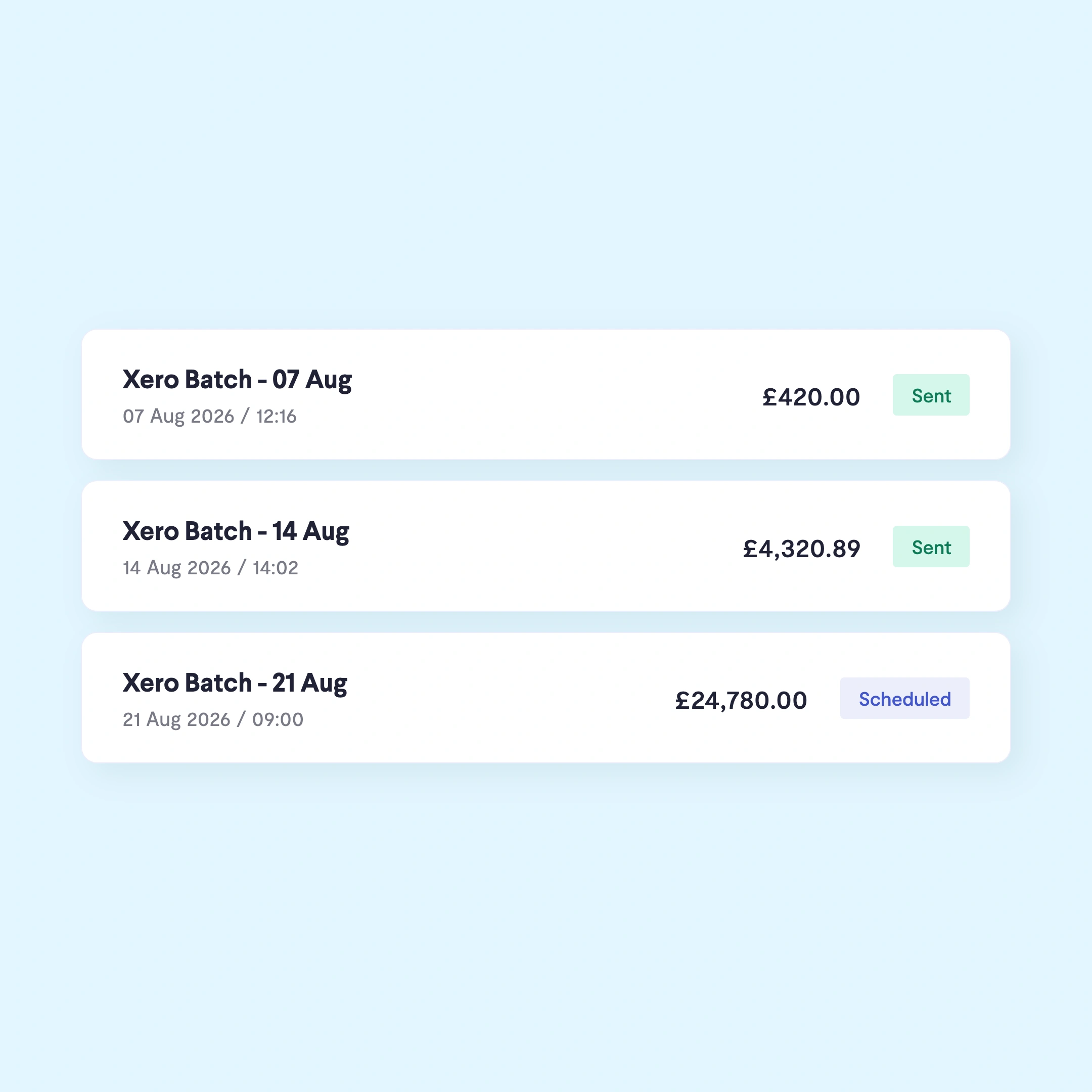
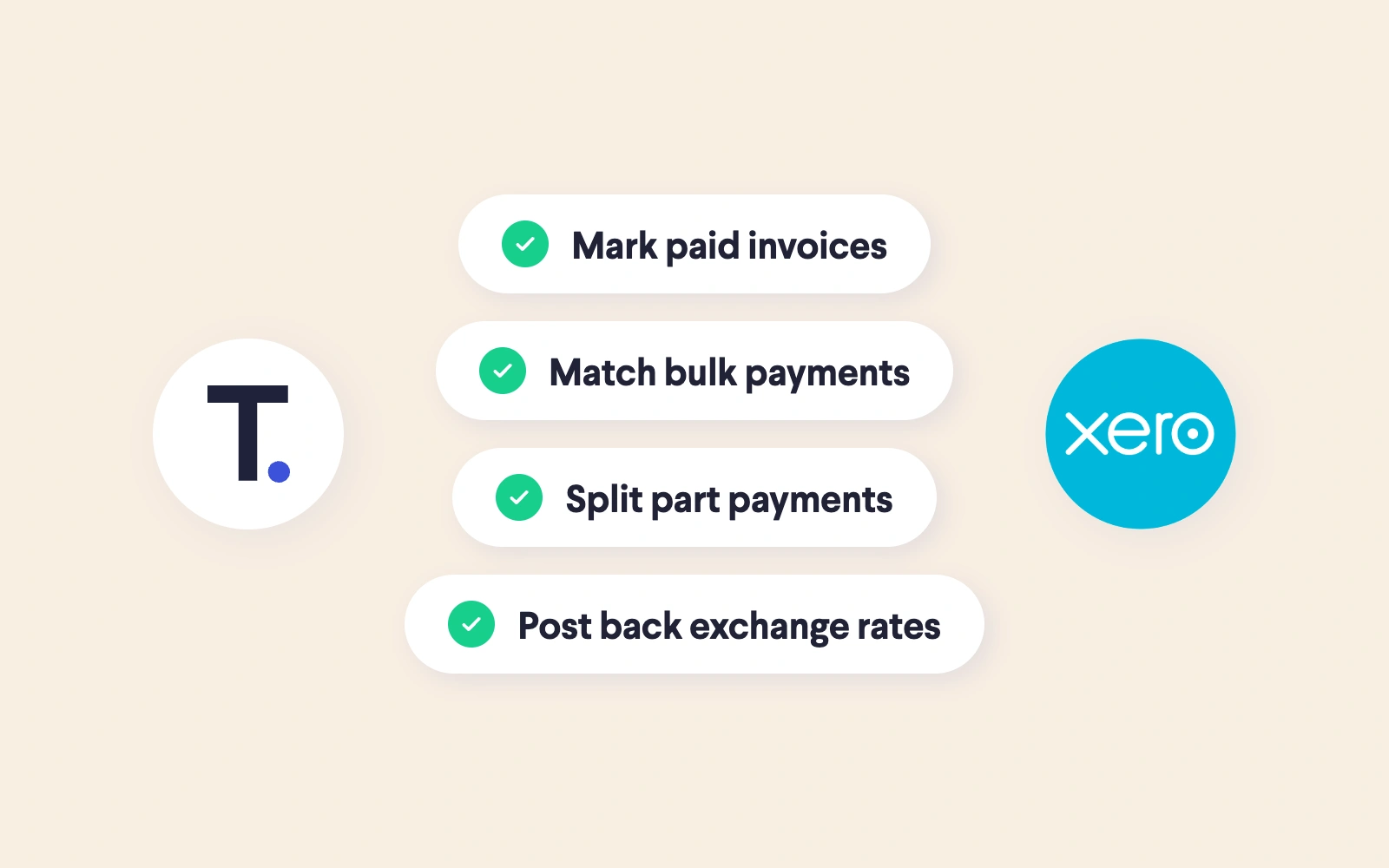
Telleroo automates a two-way sync with Xero. It’s easy to toggle between systems and you can pay Xero bills via Telleroo without manually keying in payees and amounts. Once bills are paid, you can instantly reconcile using the Xero bank feed.
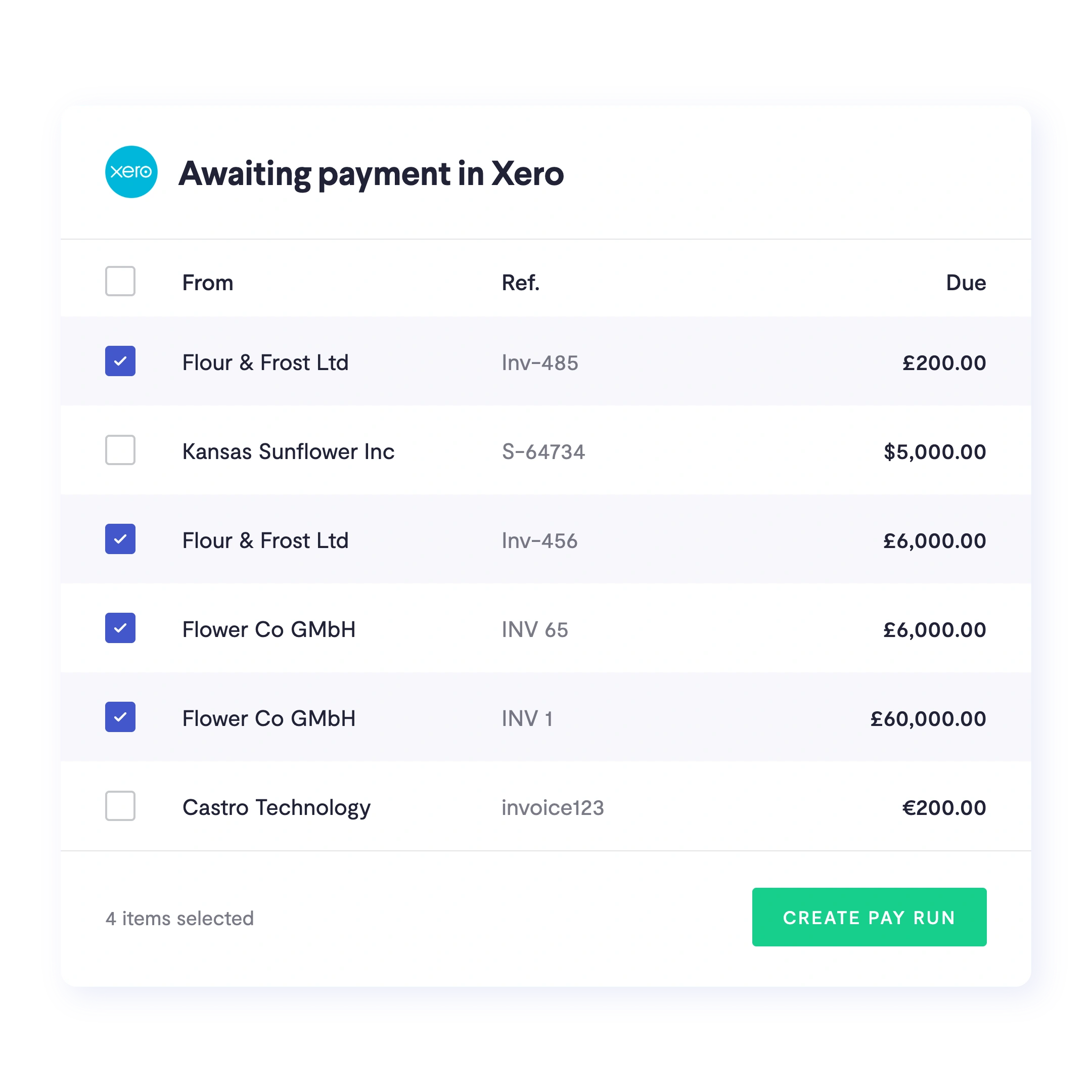
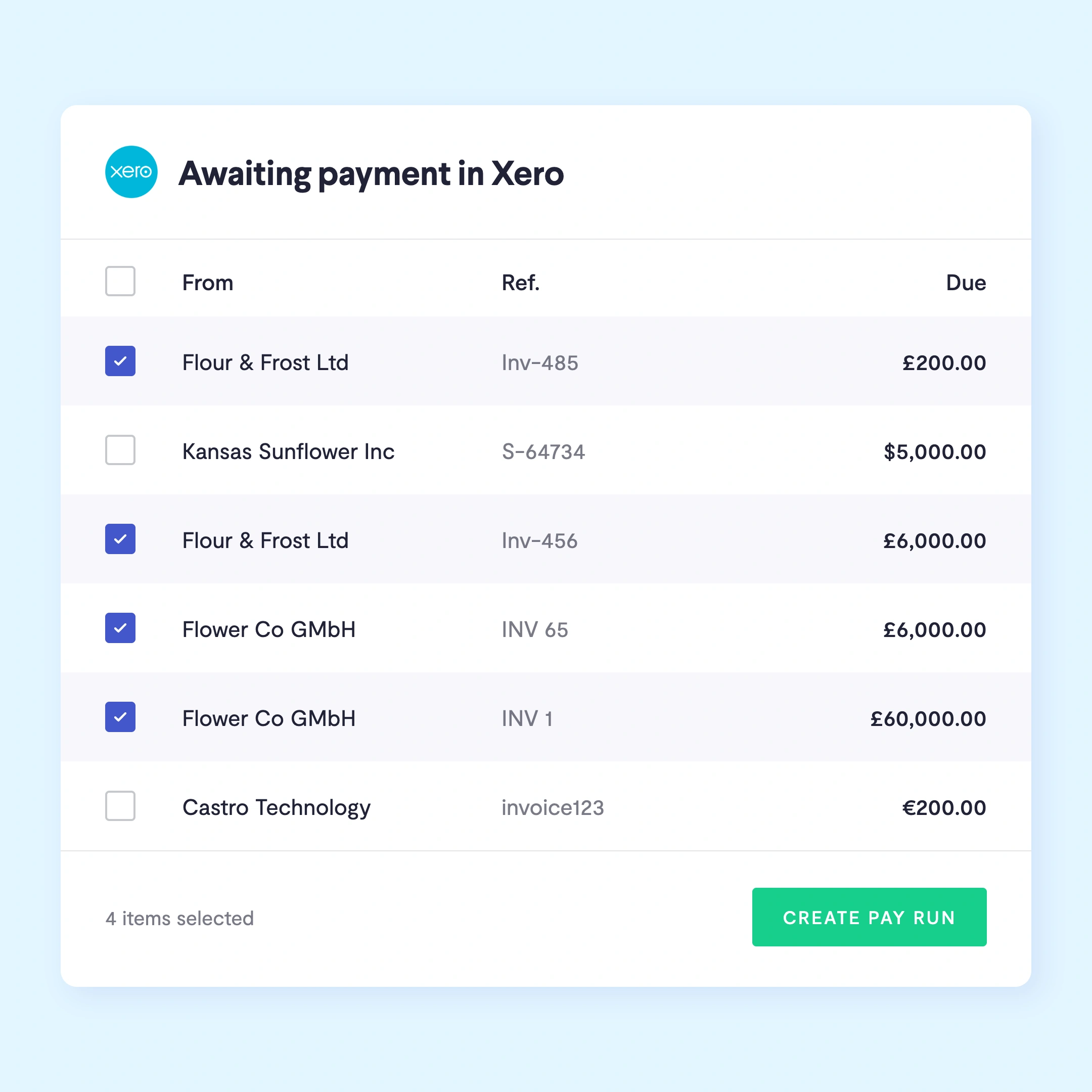
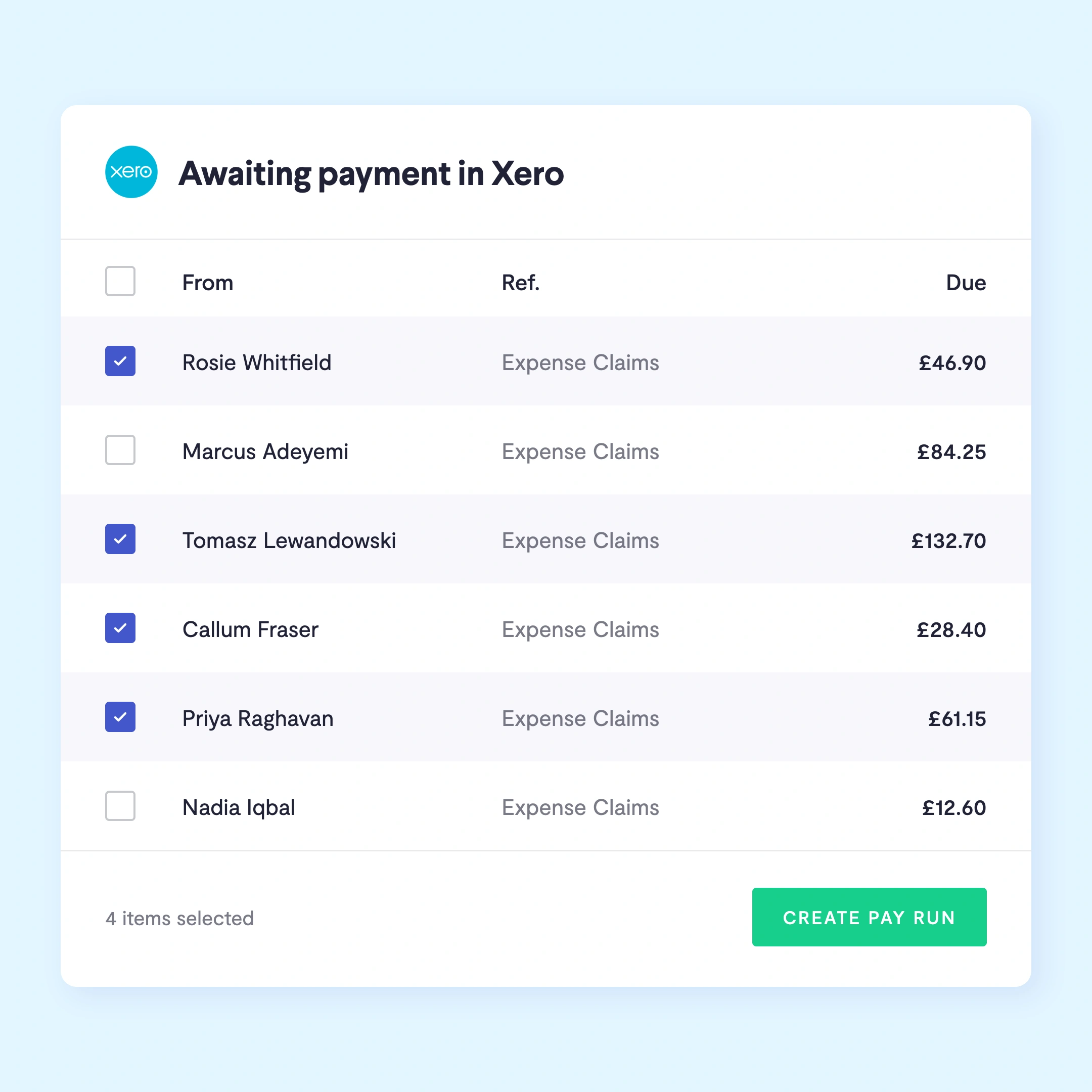
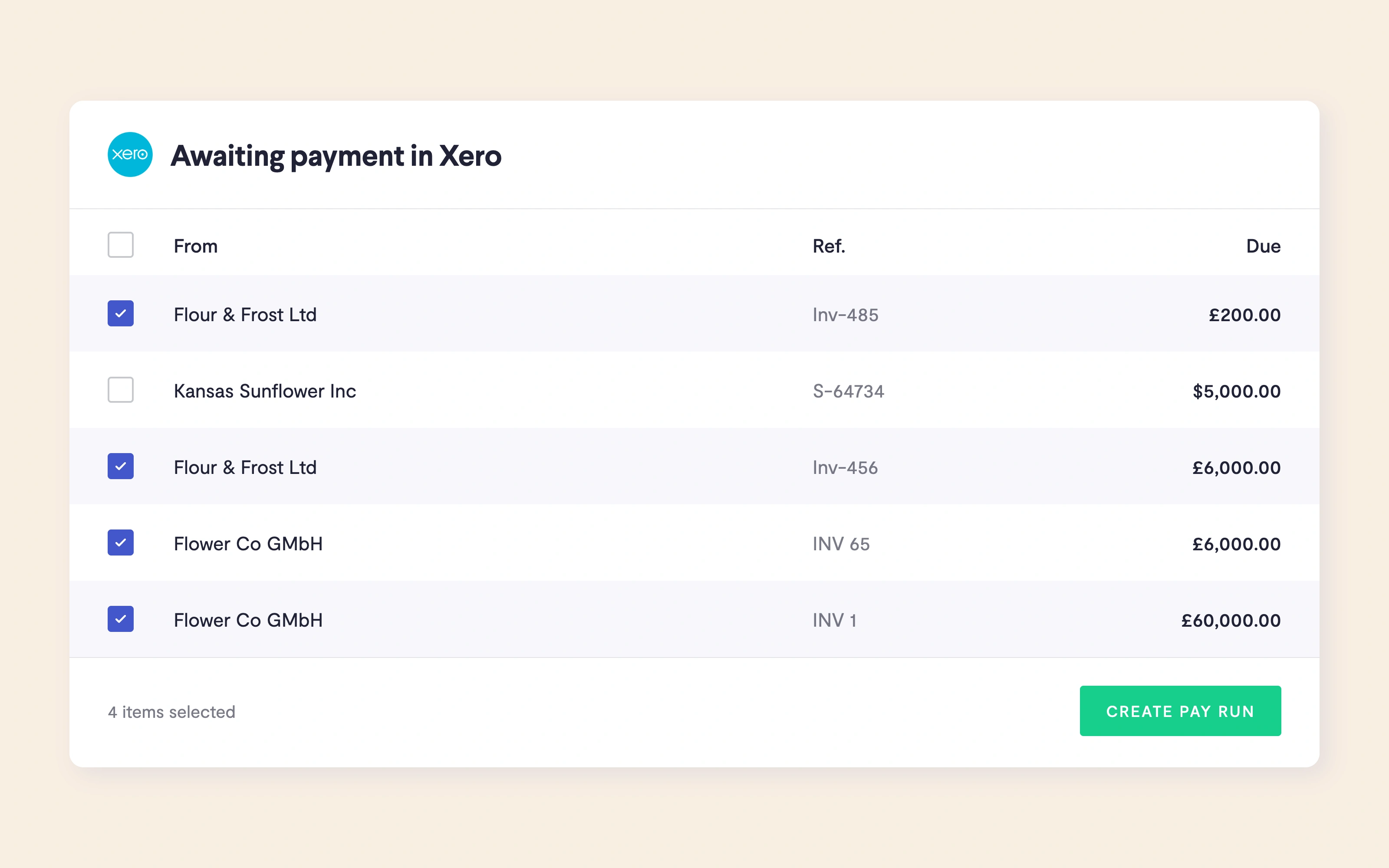
Sync everything in 'Awaiting payment' in Xero to Telleroo to be processed.
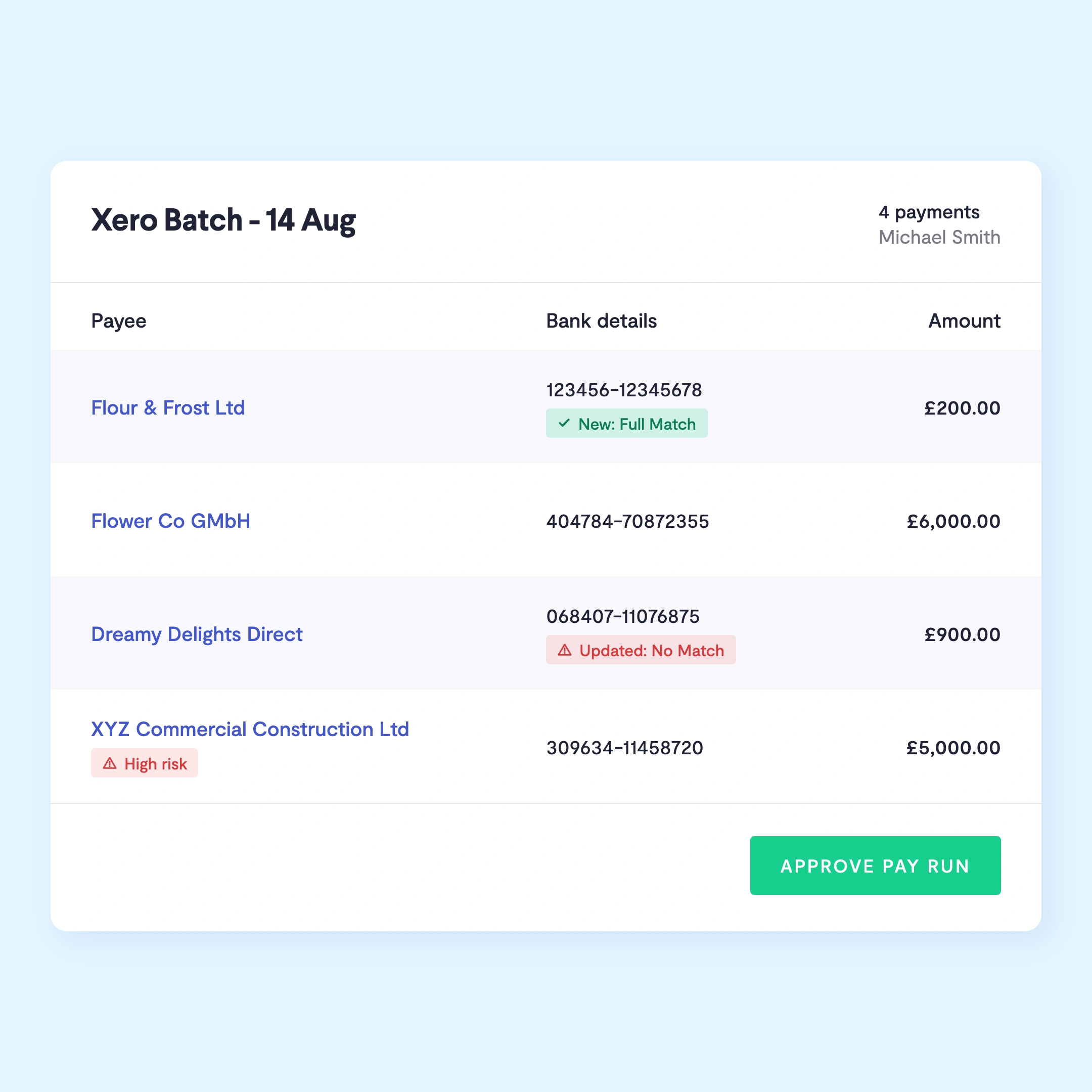
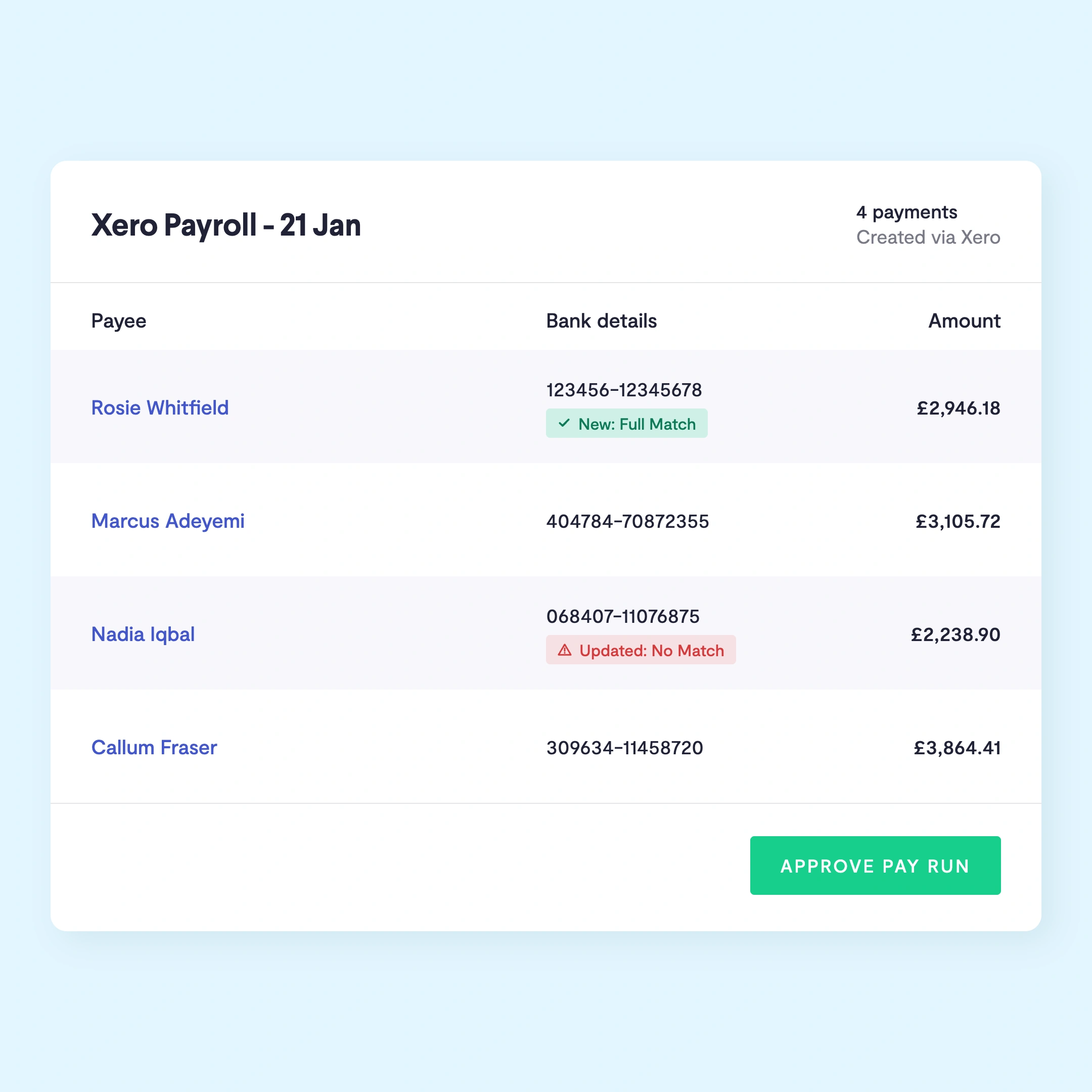
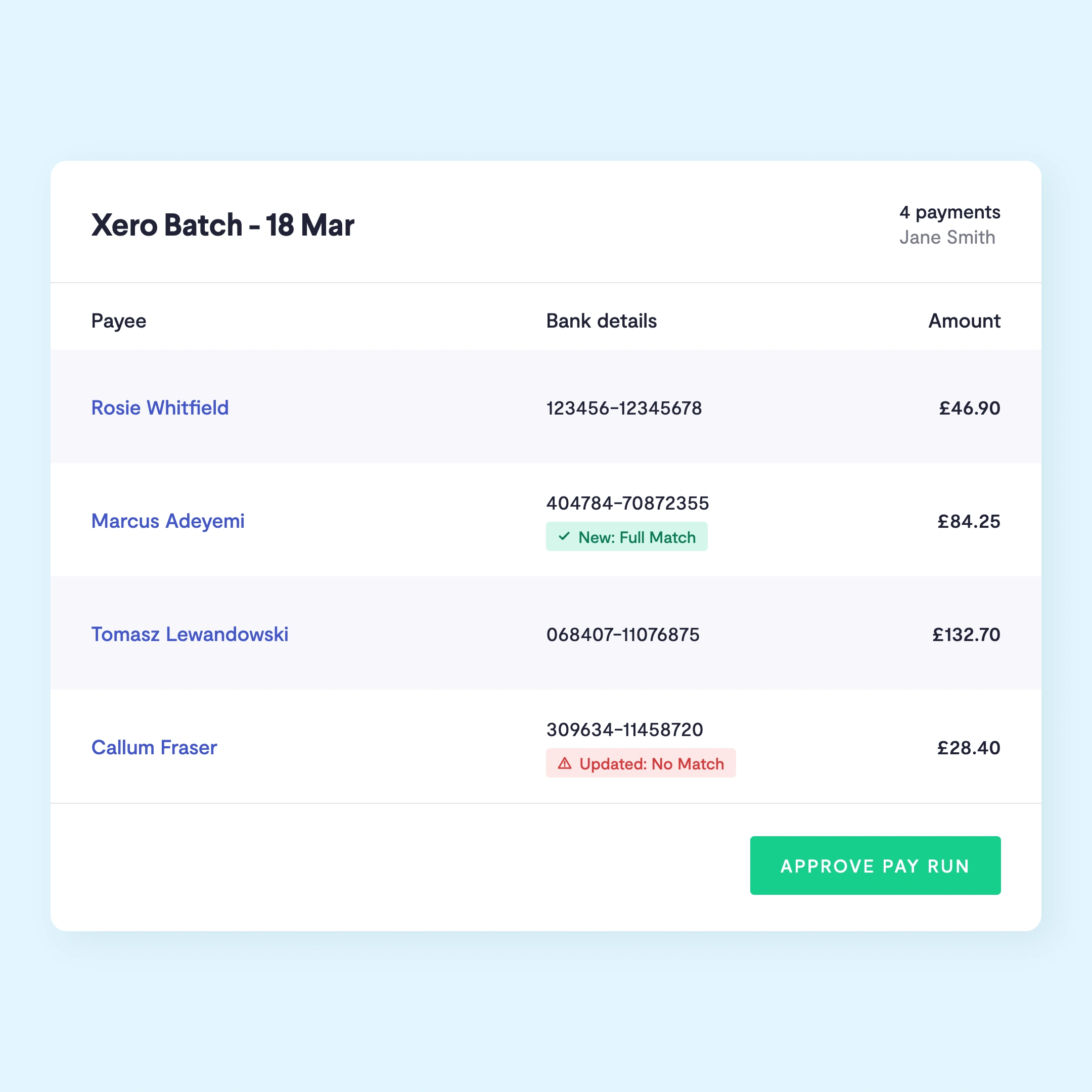
Validate bank details, flag suspicious payee changes, and check for duplicate payments.
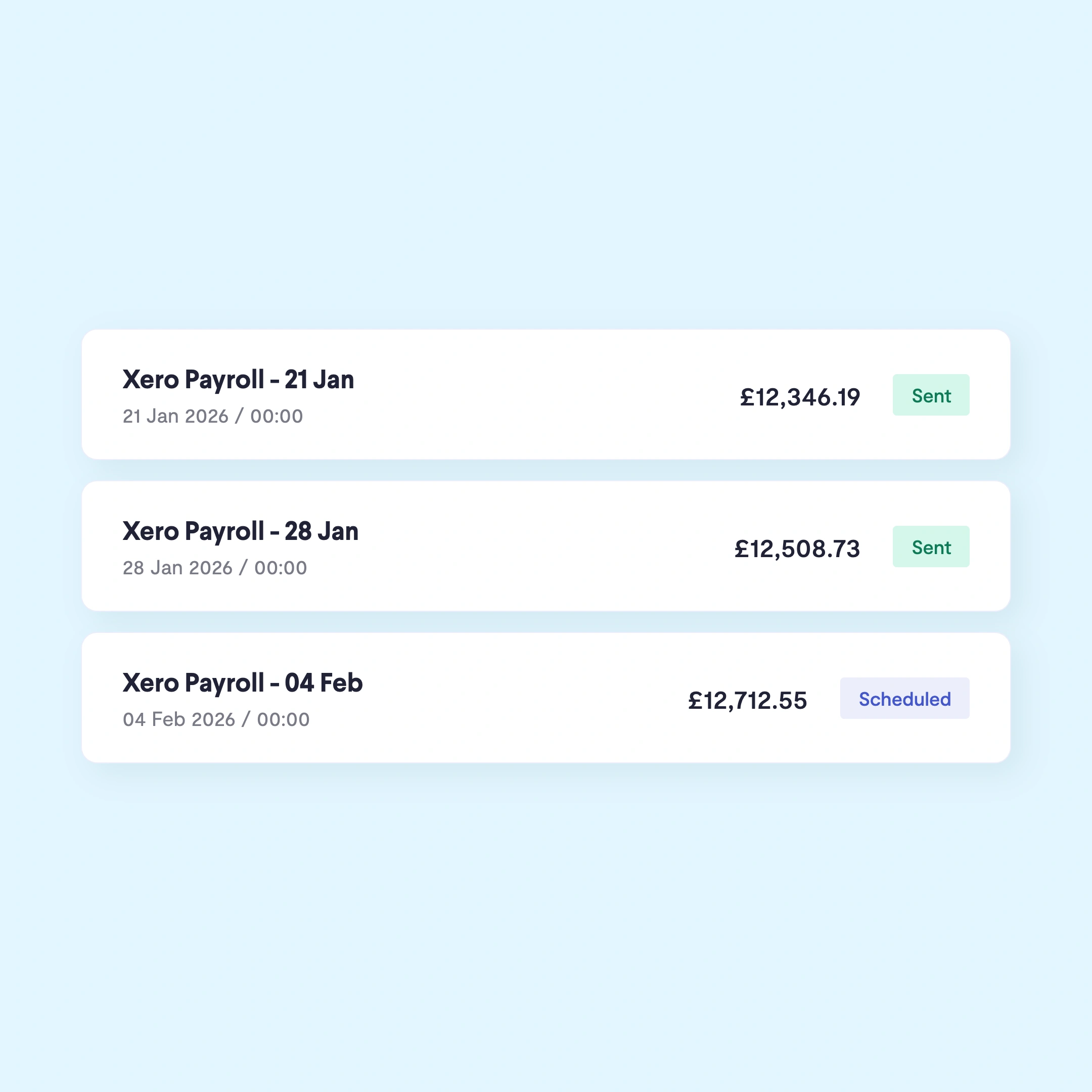
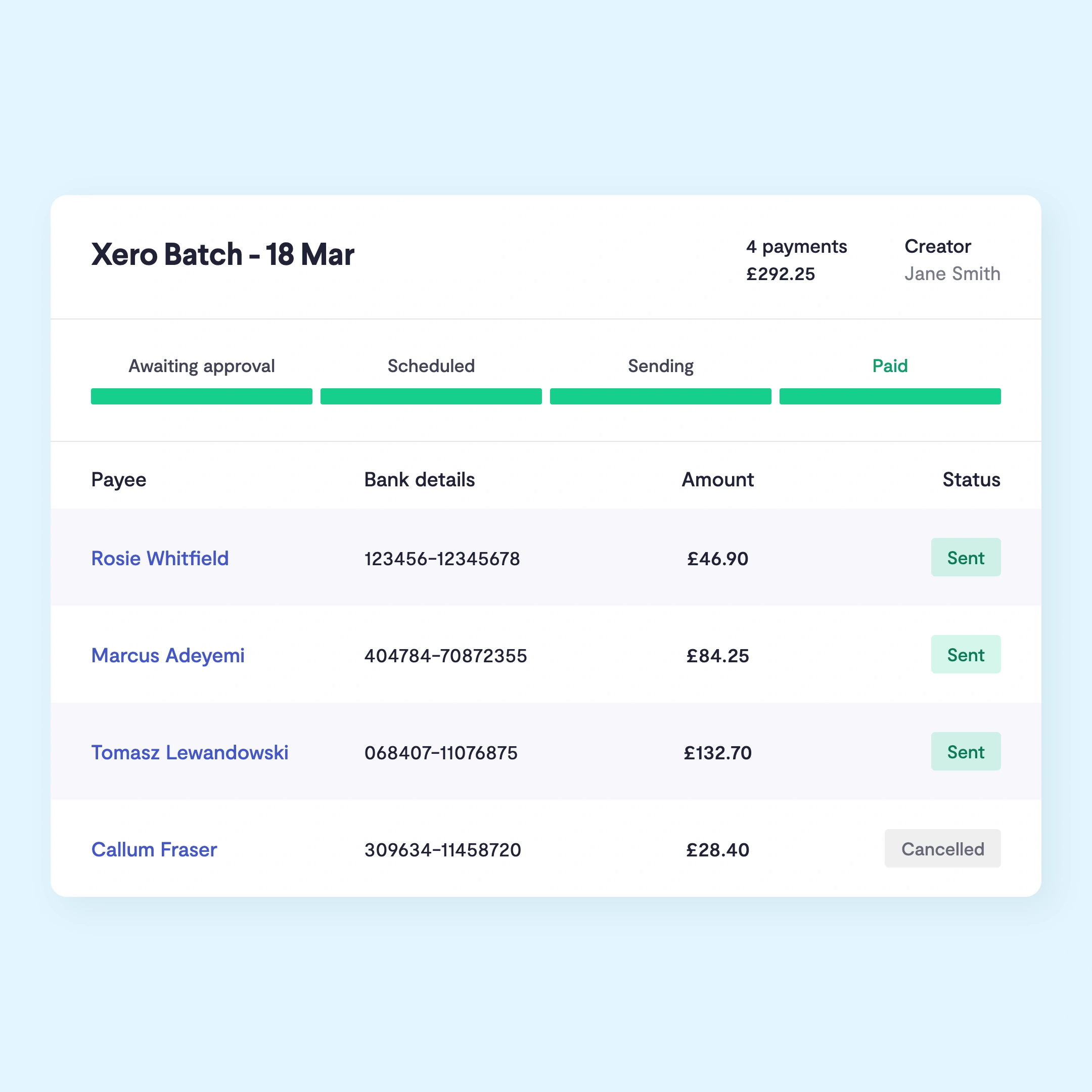
Pay, amend and reschedule pay runs instantly.

Businesses spend too much time setting up payee details and manually keying in payments. This can create preventable errors such as incorrect, missed or duplicate payments. With Telleroo you can approve bill and payroll payments from within Xero, without keying in data or logging into bank accounts.
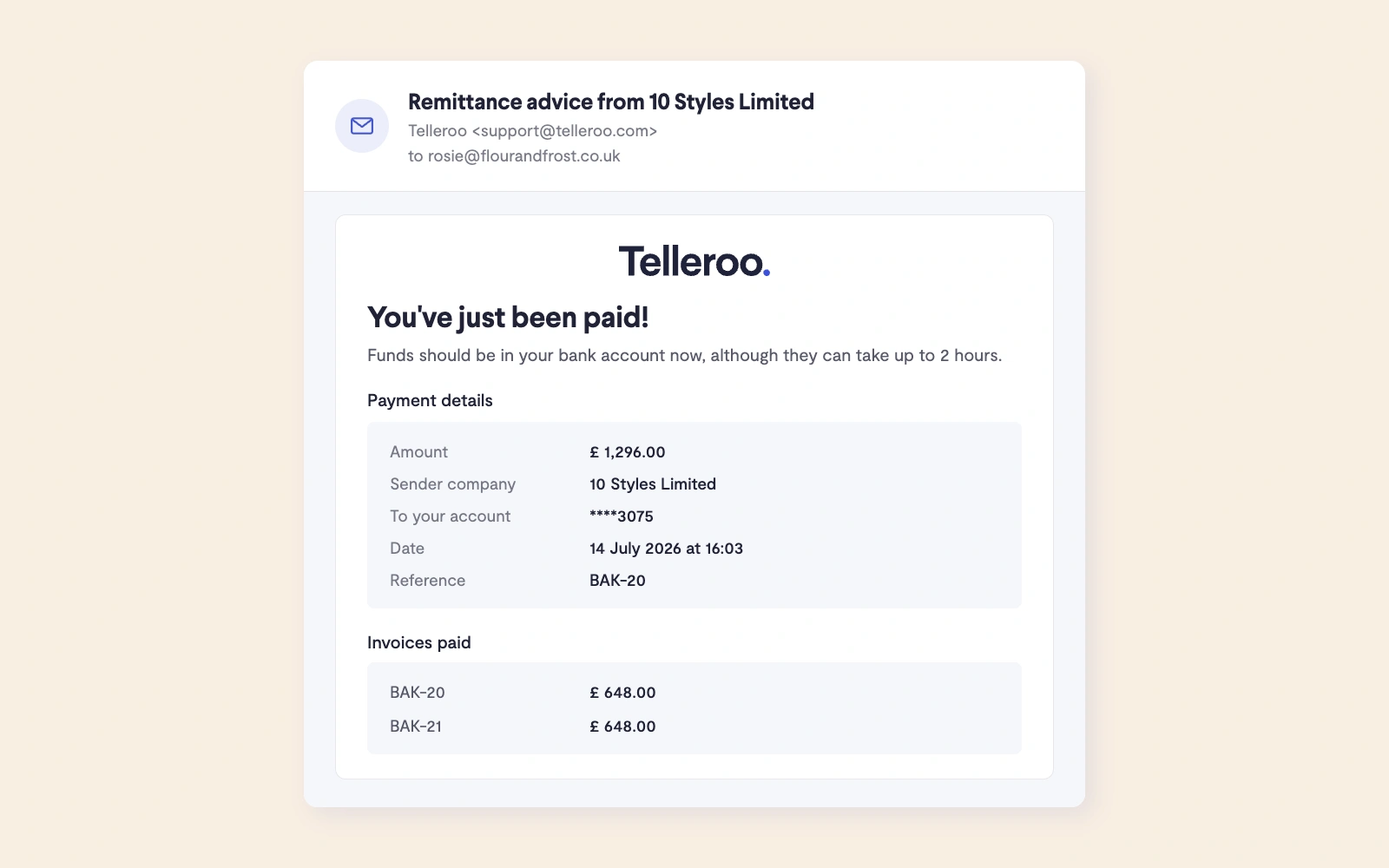
No more surprises or extra bookkeeping. Everything that happens in Telleroo syncs back to Xero. Any payments removed from a pay run in Telleroo are instantly moved back to 'awaiting payment' in Xero. Paid invoices are updated in Xero immediately, so you can reconcile there and then. No more waiting for a day for your bank to update Xero.


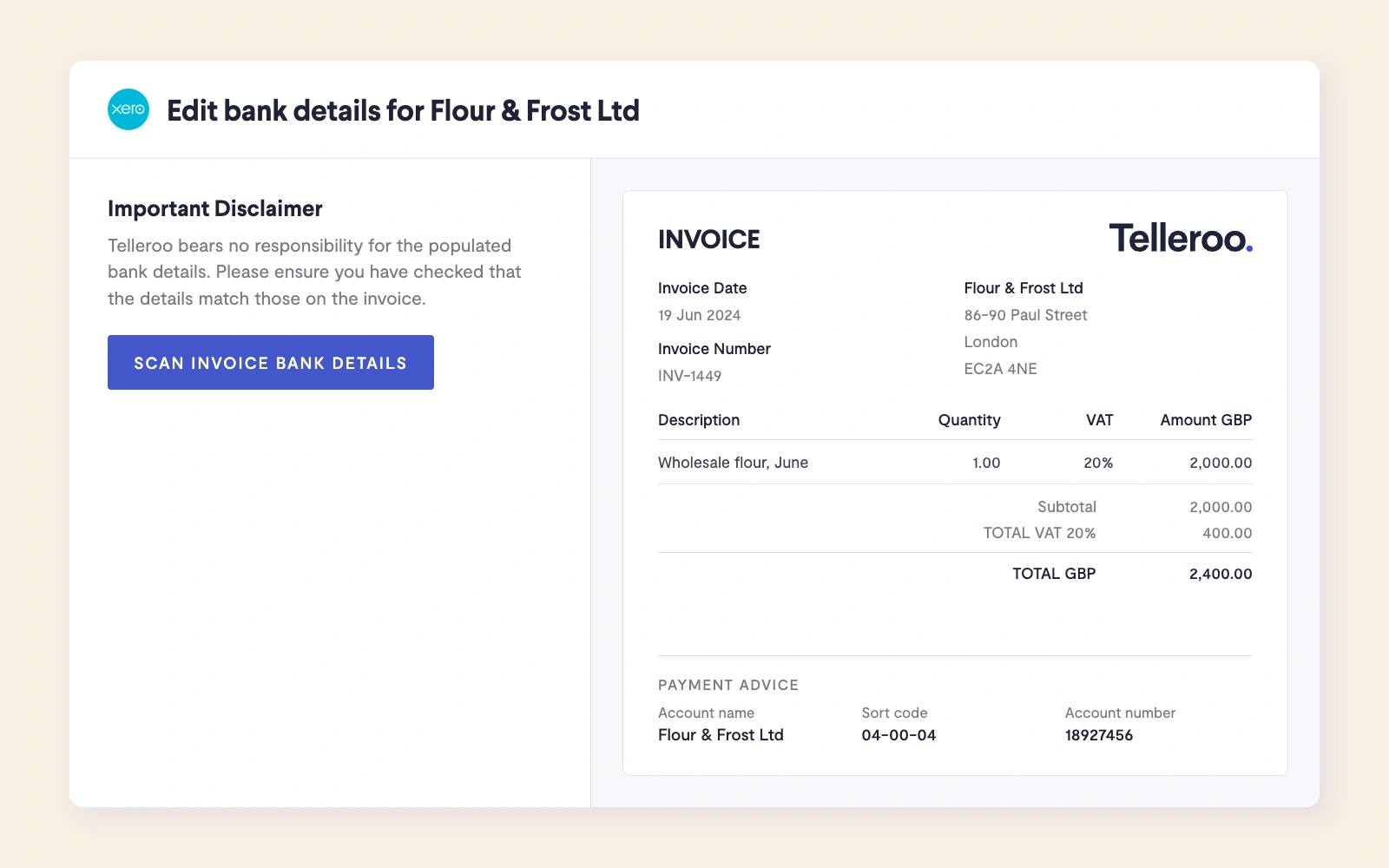
Save time and re-risk payments to new suppliers. You can now scan the sort code and account number from invoices within our new Xero Bills section. You can do this for any supplier who doesn't already have bank details stored in Xero and has a document uploaded to the invoice.
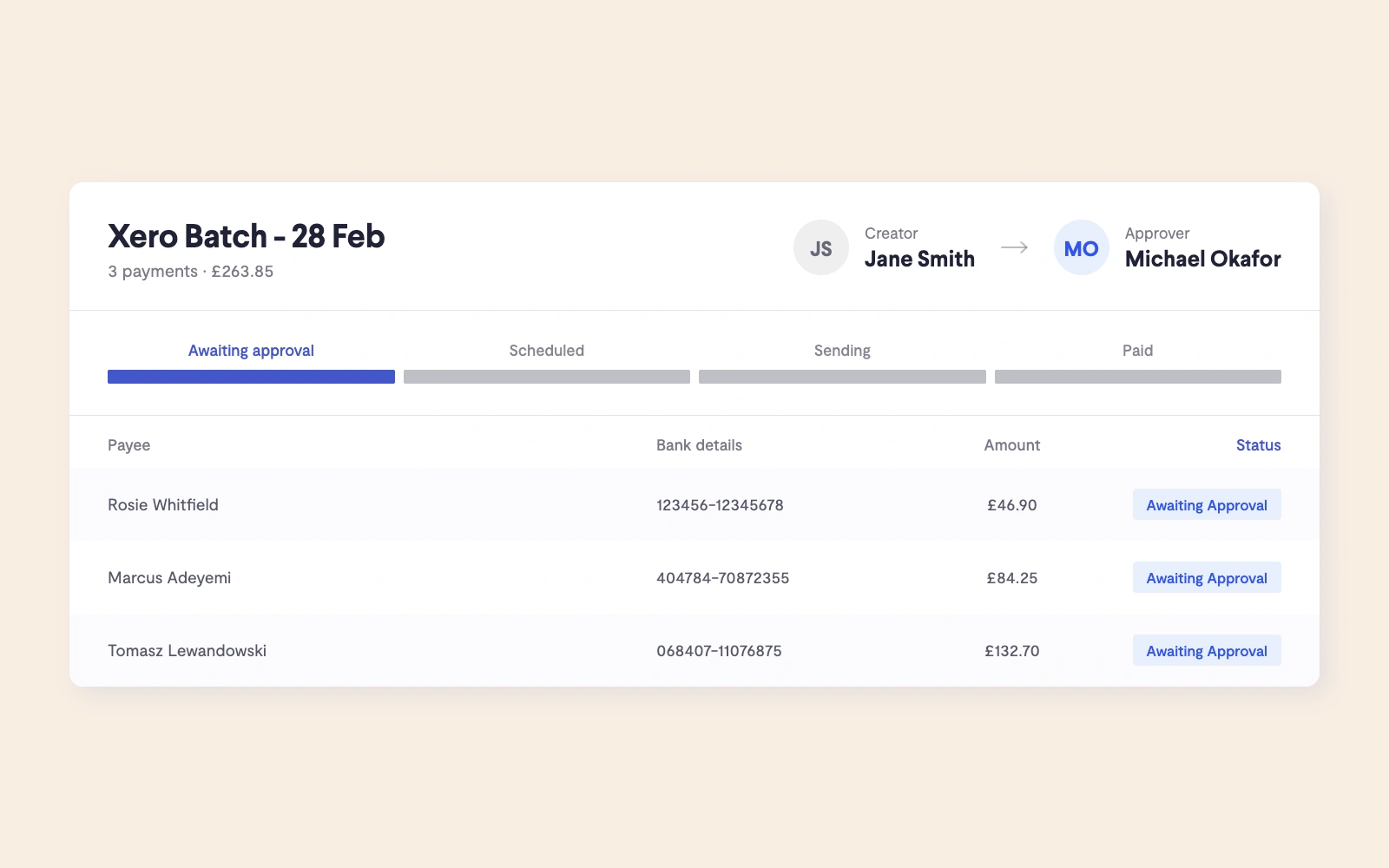
You don't want to spend your evening in online banking. With Telleroo, you can delegate the creation of bill and payroll payments to your team or your accountant. All you have to do is approve and top up the Telleroo account.


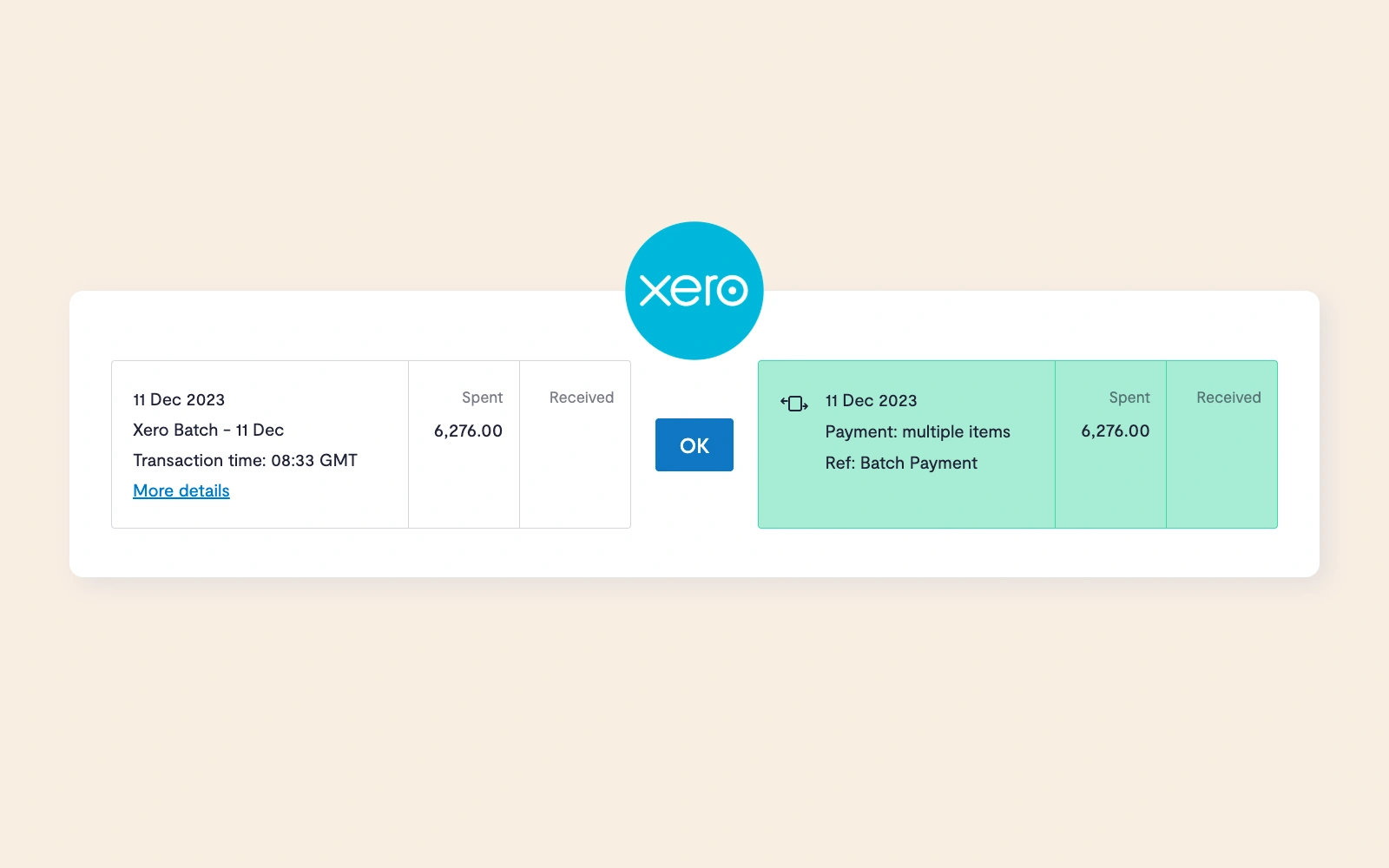
You can reconcile a whole pay run in one click. For payroll this means the individual employees salaries are hidden. For international payments this means you don't have to adjust the exchange rate!
Telleroo has a two-way sync with Xero, meaning changes in either system are reflected in the other automatically. Bills in 'Awaiting Payment' in Xero are automatically synced to Telleroo, where they can be added to a pay run in a few clicks. Once payments are made, Telleroo instantly updates the invoice status in Xero and posts the transaction to the Xero bank feed, ready to reconcile. If a payment is removed from a pay run in Telleroo, it's moved straight back to 'Awaiting Payment' in Xero, so nothing gets lost or duplicated.
Yes, Telleroo syncs both Xero Bills and Xero Payroll. For Xero Bills, any invoice in 'Awaiting Payment' in Xero can be pulled into Telleroo and added to a pay run. For payroll, Xero Payroll runs sync to Telleroo in the click of a button so employees can be paid in bulk without manually entering individual payment details. Both types of payment are processed via Faster Payments and sent back to Xero automatically once processed.
Once a payment is made through Telleroo, it syncs back to Xero automatically, there's no waiting for a bank feed to update. You can reconcile an entire pay run in one click, rather than matching individual transactions manually. For payroll, individual employee salaries are kept hidden during reconciliation. For international payments, Telleroo automatically updates the exchange rate in Xero, so you don't need to adjust it manually.
Yes. With Telleroo, you never need to log into your bank account to make payments. Invoices sync from Xero to Telleroo, where they can be approved and paid directly. Telleroo uses an e-money account set up in your business name, so recipients see payments as coming from your business, not from Telleroo or a third party.
Yes Telleroo can scan the sort code and account number directly from invoices within the Xero Bills section. This is useful for new suppliers who don't yet have bank details stored in Xero, as long as the invoice is available in Xero. It saves time and reduces the risk of errors that come from manually keying in bank details, and the scanned details are then checked against Telleroo's fraud prevention tools before any payment is sent and synced back to Xero to update the contact.
Xero's built-in bill payments feature lets you pay supplier invoices directly from Xero using open banking, authorising payments from your existing business bank account. Depending on your bank you may be subject to payment limitations. It's a convenient option for businesses paying smaller volumes of bills, with GBP payments included in some Xero plans and a per-transaction fee beyond that.
Telleroo works differently. Rather than authorising payments from your bank each time, you fund a dedicated e-money account in your business name, from which all payments are sent via Faster Payments. This makes Telleroo better suited to businesses and accounting firms processing high volumes of supplier and payroll payments, for a few key reasons:
- Payroll payments — Xero's built-in bill payments doesn't currently support payroll. Telleroo syncs directly with Xero Payroll and pays employees in bulk via Faster Payments.
- Approval workflows — Telleroo has flexible, multi-layered approval flows built in, allowing you to separate who creates pay runs from who approves them, without requiring bank-level authentication at each step.
- No banking limitations — Because Xero uses Open Banking to process payments you are restricted to your bank account daily limits, usually between £50,000 and £100,000. With Telleroo you can send up to £1 million in a single transaction.
- Fraud protection — Telleroo automatically flags new and updated payees, runs Confirmation of Payee checks, scans bank details from invoices, and has a dedicated transaction monitoring team reviewing payments.
- Volume — Telleroo is built for businesses making hundreds or thousands of payments at a time.
For businesses making occasional bill payments, Xero's built-in feature may be sufficient. For businesses with regular, high-volume payroll or supplier payments, or accounting firms managing payments on behalf of clients, Telleroo offers more control, security, and automation.